
What's new in November 2026
Here is what changed in this update of StartReMinder.
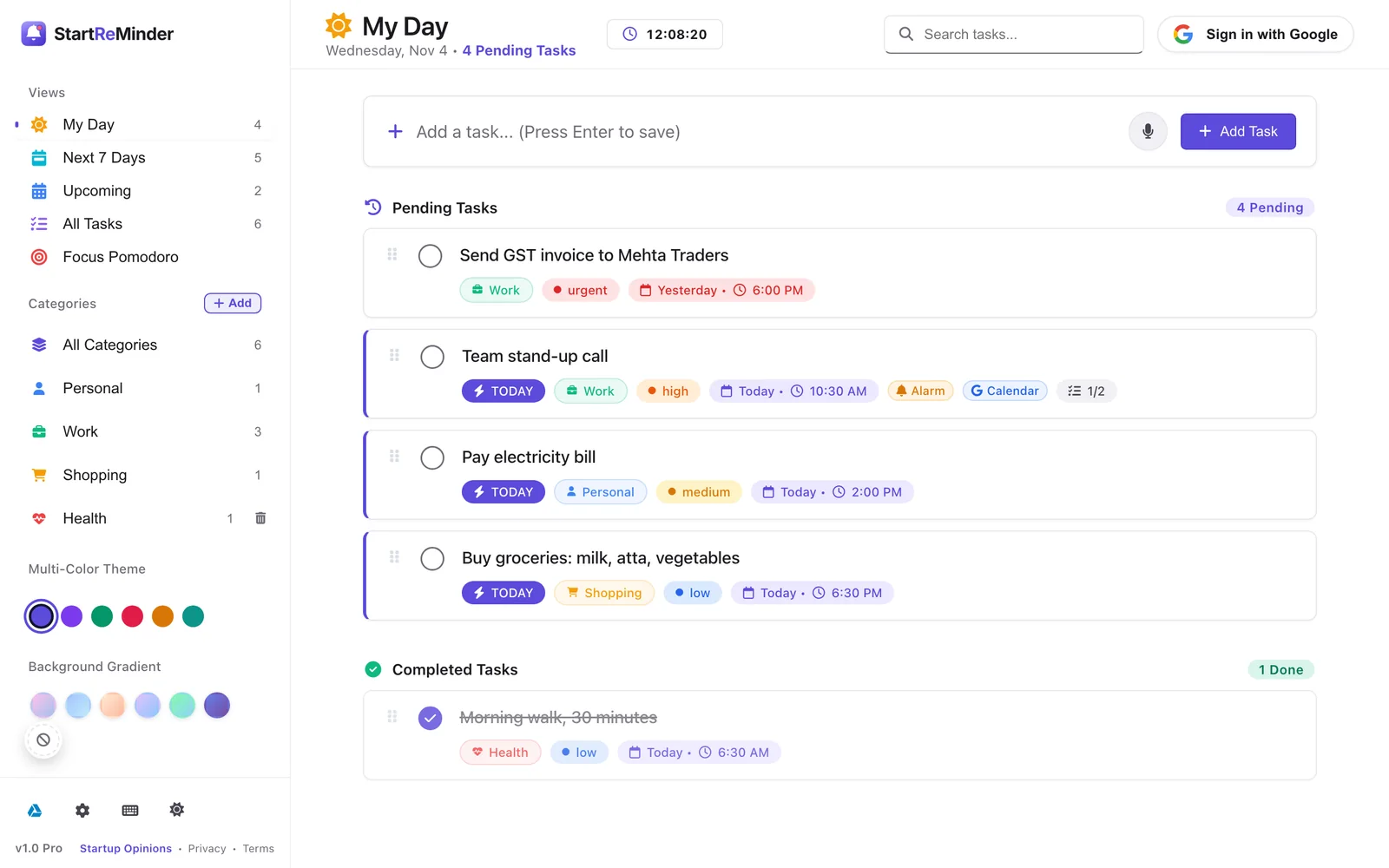
A fresh, clean look
StartReMinder now has a Windows 11 style design that opens in a white theme. Prefer dark? Use the theme button at the bottom of the left list to switch between light, dark and your system setting.
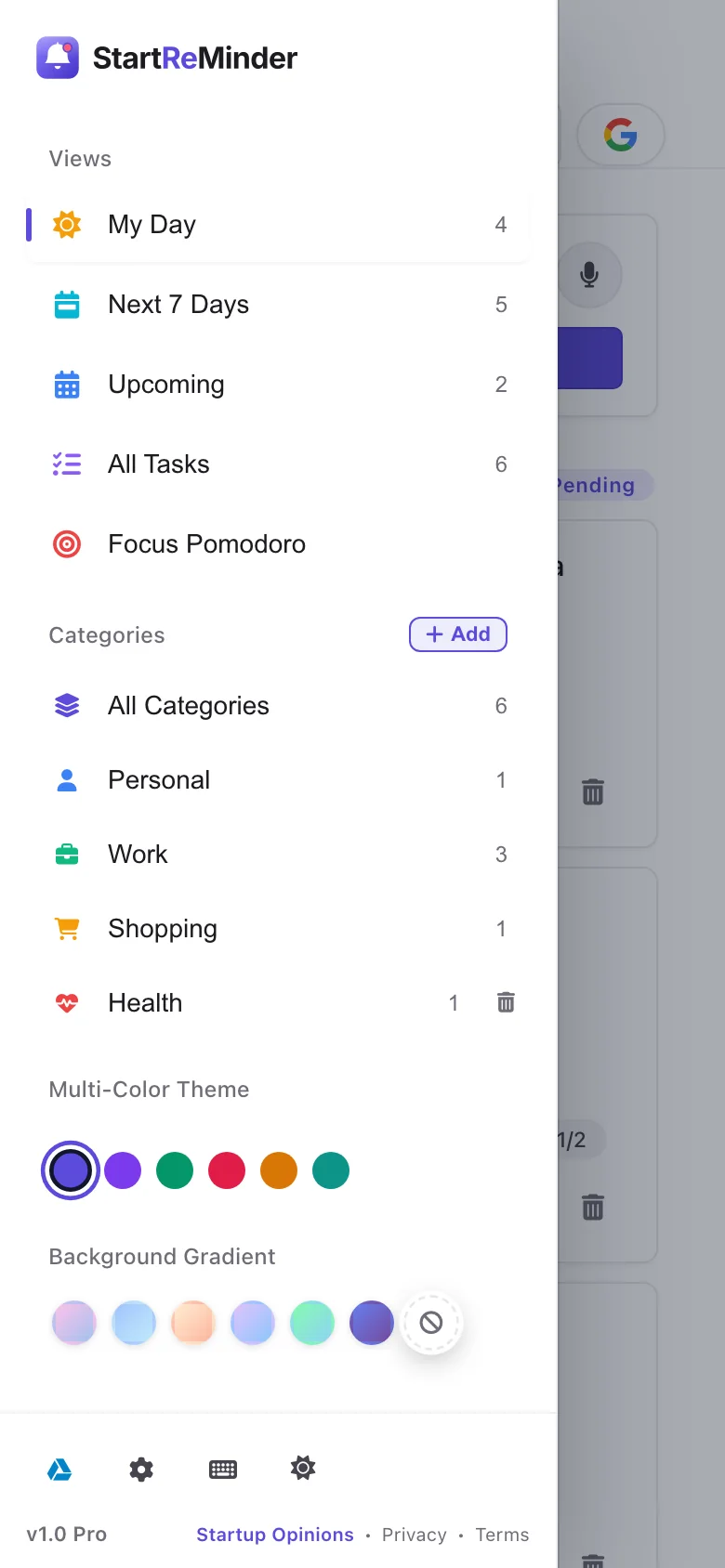
Better on phones and tablets
A menu button now opens the list of views and categories on small screens, and pages no longer run off the edge.
Windows app 1.0.1
- The desktop icon now opens the app itself instead of the website's home page.
- New option: Start StartReMinder when Windows starts.
- Finish opens the app without a black command window.
See Install StartReMinder on Windows.
Safer sync
- Changes made while you were disconnected are kept and saved when you sign in again.
- Changes from your other devices appear without reloading the page.
- The message "Your StartReMinder data changed on another device" no longer appears by mistake.
- Signing out removes your tasks from that browser.
Google Calendar when you want it
StartReMinder now asks for Calendar access only when you turn on Add due tasks to Google Calendar, and opening the app no longer re-sends all your tasks.
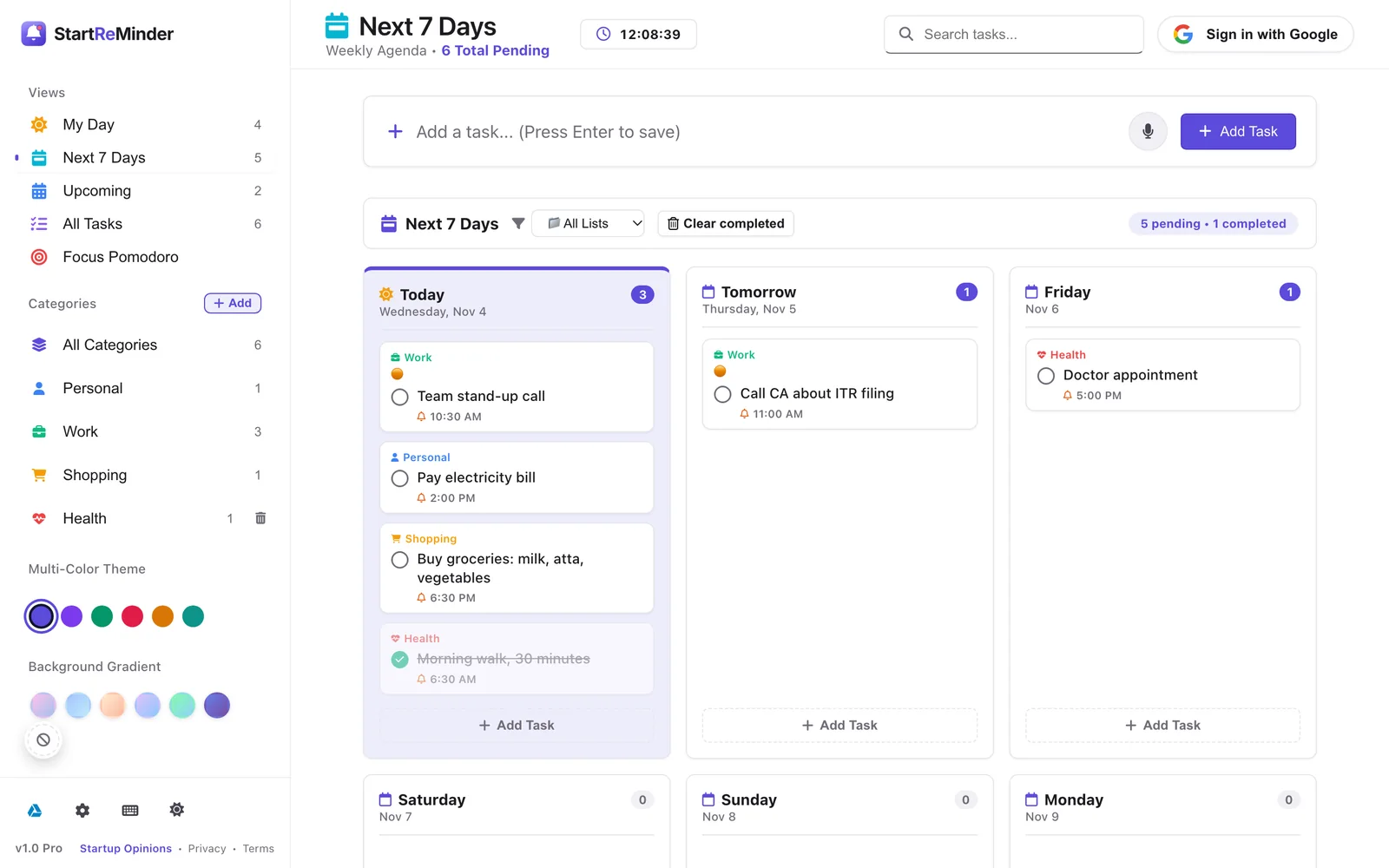
Next 7 Days board
Browser extension 1.1
If you use the StartReMinder browser extension: right-click selected text, or use the button in Gmail, ChatGPT, Claude or Gemini. StartReMinder opens and asks before adding the task.
Still need help?Email us and we will help you.
Email startup.opinion@gmail.com